
Printing can feel confusing when you are just starting out. You may have a beautiful design on your screen, but the final printed result does not always look the same. Text gets cut, borders look uneven, or important elements appear too close to the edge. These problems usually happen because beginners do not fully understand three very important printing concepts: bleed, trim, and margin.
These three elements form the foundation of professional printing. Designers, printers, publishers, and authors follow these Printing Rules to ensure every printed piece looks clean, balanced, and accurate. Whether you are printing books, brochures, flyers, visiting cards, posters, or catalogs, knowing bleed, trim, and margin will save you from costly mistakes.
This guide explains everything in simple language. You do not need a design background to understand it. By the end of this blog, you will know exactly how to prepare print-ready files with confidence.
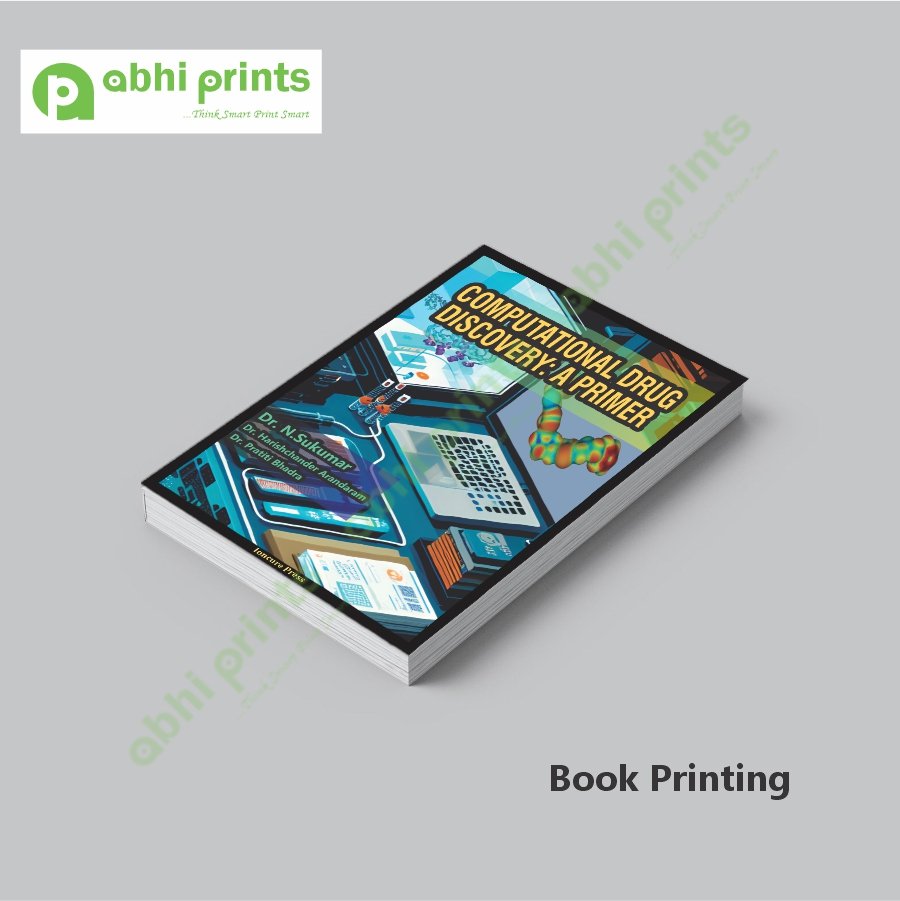
Why Bleed, Trim & Margin Matter in Printing
Printing is not just about putting ink on paper. It involves cutting large sheets into final sizes. Even the most advanced machines cannot cut paper with 100% perfection every single time. Tiny shifts happen during cutting. That is where bleed, trim, and margin come into play.
When beginners ignore these basics, they face issues like white lines at the edges, chopped text, or uneven borders. Following correct Printing Rules helps avoid all these problems. These rules allow printers to cut safely without damaging your design.
Understanding these concepts gives your work a professional look and builds trust with printers and clients.
What Is Trim Size?
Trim size is the final size of your printed product after cutting. It defines how big your book, flyer, or card will be once printing and trimming are complete.
For example, if you want an A4 flyer, the trim size is 210 × 297 mm. If you want a paperback book, the trim size could be 5 × 8 inches or 6 × 9 inches. Everything outside this trim area gets cut off during finishing.
Think of trim size as the final frame of your design. Everything inside it becomes part of the finished product.
Trim size plays a major role in layout planning. All content must fit perfectly within this size to avoid errors during printing.
Why Trim Size Is Important
Trim size affects:
- The final appearance of your printed item
- How content aligns on the page
- Binding and folding methods
- Cost of printing
- Paper usage
If your trim size is incorrect, the printer may resize your design, which can distort text and images. Correct trim size ensures accuracy and professional results.
Following this basic step is one of the most important Printing Rules for beginners.
What Is Bleed in Printing?
Bleed is the extra area that extends beyond the trim size. It ensures that colors, images, or background designs reach the edge of the paper after cutting.
During printing, large sheets are printed first and then cut into smaller pieces. Cutting is not always perfectly aligned. Bleed acts as a safety zone that prevents white edges from appearing.
Standard bleed size is usually 3 mm (0.125 inches) on all sides, but it can vary depending on the printer.
If your design has a background color or image that goes to the edge, you must include bleed.
Why Bleed Is Necessary
Without bleed, even a tiny shift in cutting can expose white paper edges. This makes the printed piece look unprofessional.
Bleed allows printers to cut confidently without worrying about exact alignment. It also ensures that your design looks seamless and clean.
Bleed becomes extremely important for:
- Book covers
- Flyers and brochures
- Posters
- Visiting cards
- Catalogs
Ignoring bleed breaks basic Printing Rules and leads to poor output quality.
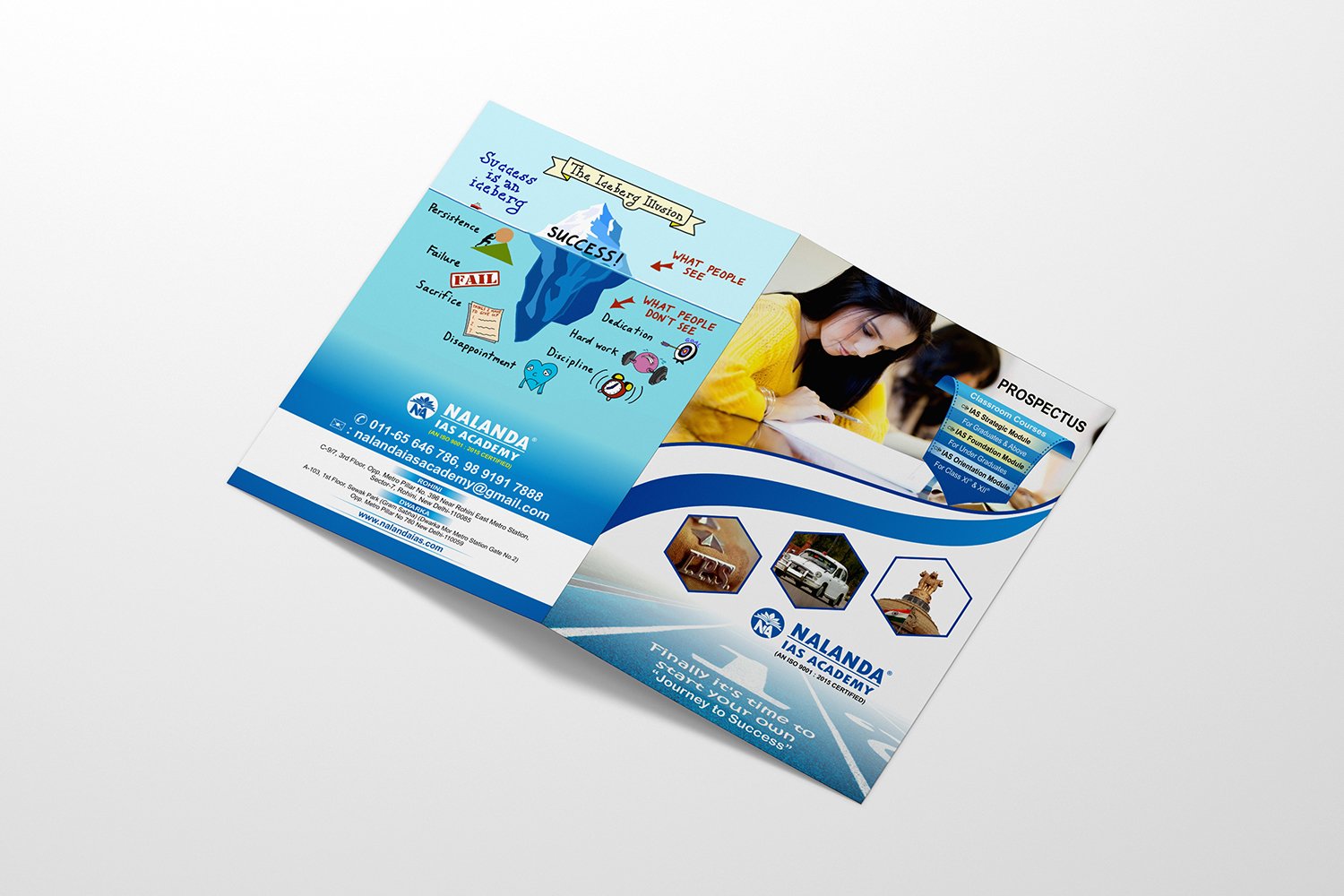
What Happens If You Don’t Use Bleed
When beginners skip bleed, they often see thin white lines around the edges. Sometimes parts of images appear uneven. Fixing this after printing costs extra money and time.
Printers may reject files without bleed, especially for professional printing jobs. Always include bleed to avoid unnecessary delays.
What Is Margin in Printing?
Margin is the safe area inside the trim size. It keeps important content away from the edges. Text, logos, page numbers, and key images should stay within this safe zone.
Margins protect your content from getting cut or hidden during binding and trimming. They also improve readability and visual balance.
Margins vary based on product type. Books need larger margins near the spine. Flyers and posters need balanced margins on all sides.
Why Margin Is Important
Margins ensure:
- Text stays readable
- Important elements do not get cut
- Layout looks clean and balanced
- Binding does not hide content
Margins play a huge role in professional layout design. They give breathing space to content and improve the overall look.
Respecting margins is a key part of following proper Printing Rules.
Difference Between Bleed, Trim & Margin
Beginners often confuse these three concepts. Let’s simplify them clearly.
Trim is the final cut size of the printed product.
Bleed is the extra area outside the trim that gets cut off.
Margin is the safe area inside the trim that protects important content.
Each one has a different purpose, but they work together to ensure perfect printing results.
How Bleed, Trim & Margin Work Together
Imagine printing a book cover. The background color covers the entire page. The bleed allows the color to extend beyond the trim. The trim defines the final size. The margin keeps the title and author name away from the edge.
When all three are set correctly, the printer can cut safely and your design remains intact.
These Printing Rules exist to protect your work and maintain quality.
Standard Bleed, Trim & Margin Sizes
While sizes may vary, here are common standards:
Bleed: 3 mm on all sides
Margin: 10–15 mm for flyers and brochures
Book margins: 15–20 mm on outer edges, more near spine
Always confirm with your printer, as requirements can differ slightly.
Bleed, Trim & Margin for Book Printing
Books require special attention. Inner margins must allow for binding. If the margin is too small, text disappears into the spine.
Book covers also require spine width calculation based on page count and paper thickness. Bleed applies to all sides, including the spine area.
Professional book layouts strictly follow these Printing Rules to ensure comfort and readability.
Bleed, Trim & Margin for Flyers and Brochures
Flyers and brochures often use full-color backgrounds. Bleed becomes essential here. Margins help keep text readable and well-spaced.
When folding brochures, margins must account for folds. Ignoring this can lead to awkward alignment.
Bleed, Trim & Margin for Visiting Cards
Visiting cards have small sizes, so precision matters. Even slight mistakes become noticeable.
Bleed prevents white edges. Margins protect phone numbers and logos. Trim ensures uniform size.
Following correct Printing Rules makes visiting cards look sharp and premium.
How to Set Bleed, Trim & Margin in Design Software
Most design software supports bleed and margins.
Always check settings before exporting files for print.
Common Beginner Mistakes to Avoid
Many beginners place text too close to edges. Others forget bleed completely. Some assume printers will fix these issues.
Printers print what you provide. They do not redesign your layout. Understanding Printing Rules saves you from these mistakes.
Always double-check before final submission.
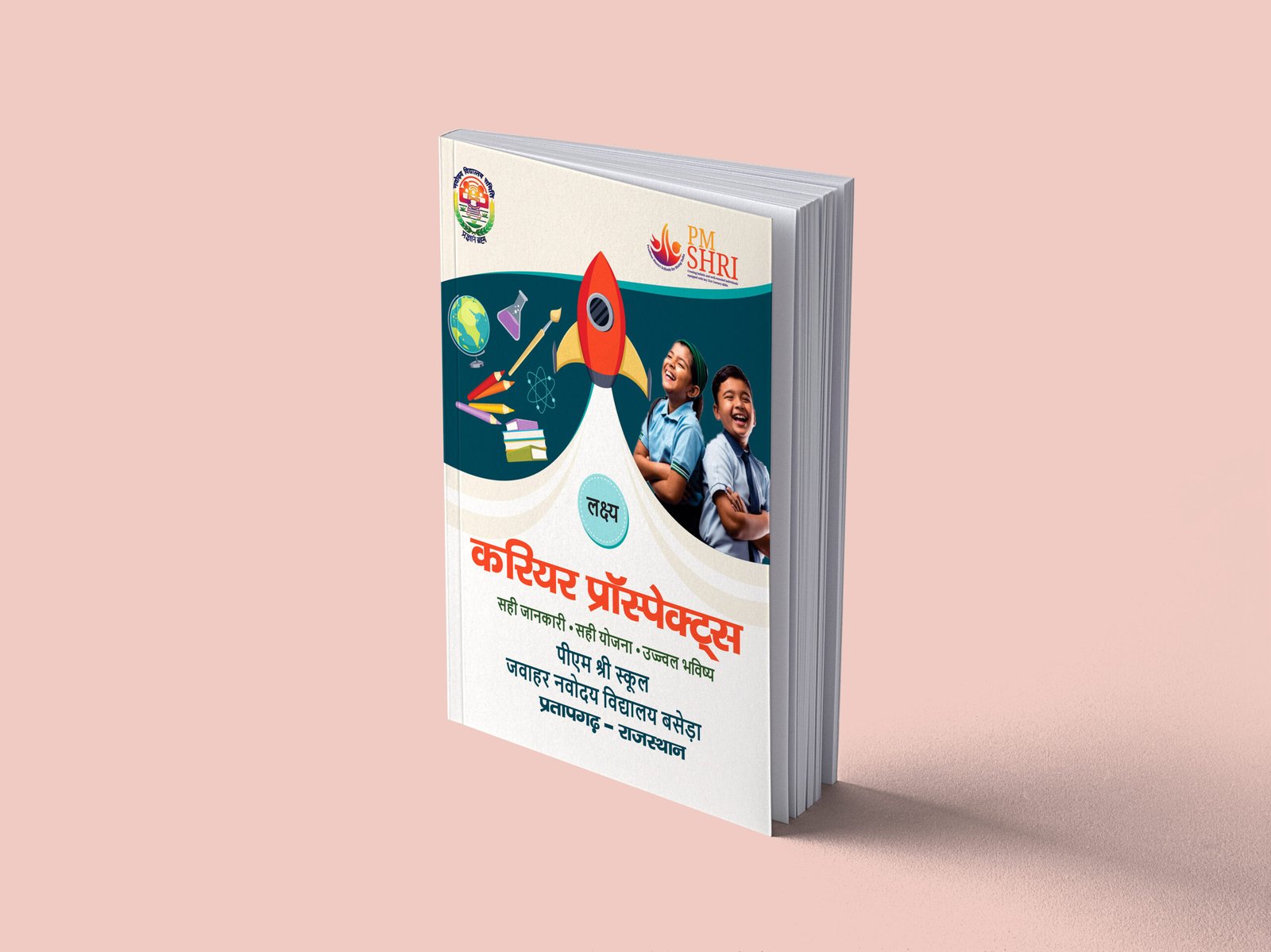
Why Printers Ask for Bleed and Margins
Printers work with machines that cut hundreds of sheets quickly. These machines need tolerance space. Bleed and margins provide that space.
When you follow proper guidelines, printers can deliver better results faster.
How Bleed, Trim & Margin Affect Printing Cost
Correct file setup reduces reprints and corrections. This saves money and time.
Incorrect files may require redesign, resizing, or reprinting. This increases costs unnecessarily.
Following Printing Rules helps you stay within budget.
How to Check Your File Before Printing
Before sending your file:
Check bleed on all sides
Confirm trim size
Ensure text stays inside margins
Preview the final layout
Ask for a digital proof
These simple checks prevent major issues.
Why Beginners Should Learn Printing Rules Early
Learning these basics early builds confidence. It improves communication with printers and designers. It also makes your work more professional.
Whether you print once or regularly, understanding Printing Rules is a valuable skill.
Real-Life Example
Imagine printing 5,000 brochures without bleed. The result shows white edges. Now imagine reprinting them. That mistake costs money, time, and reputation.
One small step like adding bleed could avoid this problem entirely.
Final Thoughts
Bleed, trim, and margin may sound technical, but they are simple once you understand them. These three elements form the backbone of professional printing. They protect your design, improve quality, and ensure consistency.
Whether you are an author, designer, business owner, or beginner, following these Printing Rules helps you create print-ready designs with confidence.
Printing does not have to be complicated. When you respect these basics, your printed materials always look clean, polished, and professional.